DhButton
Action button family split by role — DhPrimaryButton / DhSecondaryButton / DhTertiaryButton / DhErrorButton — with filled / outlined / text surfaces, the M3 Expressive five-size scale, two shapes with size-scaled corners and a press morph, icon slots, and built-in loading + disabled states.
Basic
Reach for the role that matches the action. Primary is the highest-emphasis filled button.
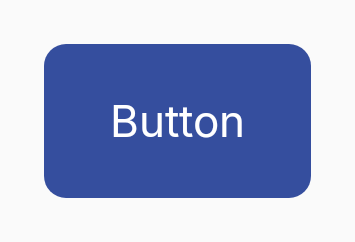
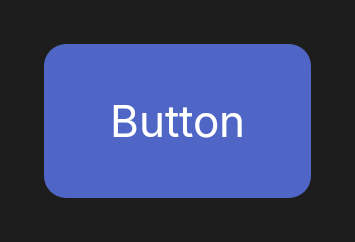
DhPrimaryButton(
    text = "Save",
    onClick = { save() }
)
Roles
Four role composables; each picks its own colour from the Material 3 colour scheme.
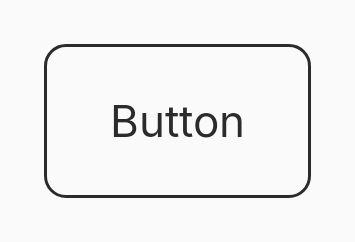
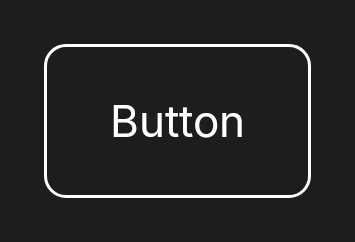
// Pick the composable that matches the action's role.
DhPrimaryButton(text = "Save", onClick = { save() })
DhSecondaryButton(text = "Cancel", onClick = { cancel() })
DhTertiaryButton(text = "Highlight", onClick = { promote() })
DhErrorButton(text = "Delete", onClick = { delete() })
Surface
Every role accepts a surface override. Defaults are Filled (Primary, Tertiary, Error) and Outlined (Secondary).
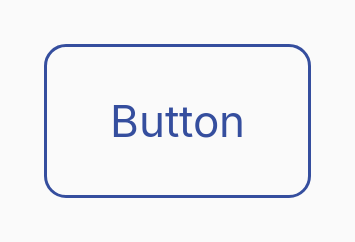
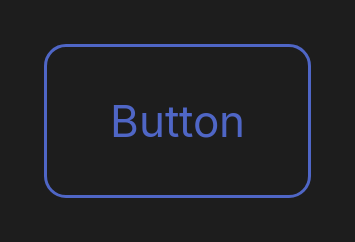
// Override the per-role default surface to lower the emphasis.
DhPrimaryButton(
    text = "Save",
    onClick = { save() },
    surface = DhButton.Surface.Outlined,
)

// Ghost / text-button equivalent.
DhSecondaryButton(
    text = "Skip",
    onClick = { skip() },
    surface = DhButton.Surface.Text,
)
Ghost (Secondary + Text)
Pair DhSecondaryButton with the Text surface for a transparent, label-only affordance — the KMP equivalent of Svelte's ghost variant.
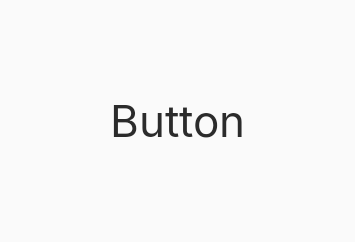
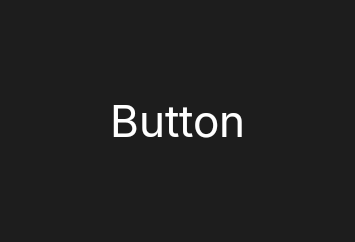
DhSecondaryButton(
    text = "Skip",
    onClick = { skip() },
    surface = DhButton.Surface.Text,
)
Sizes
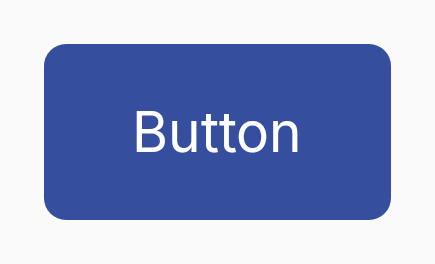
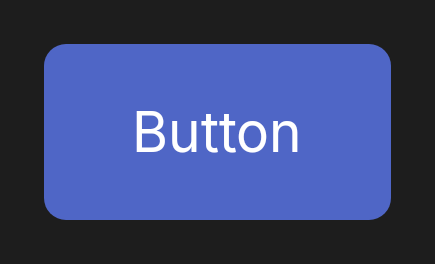
The M3 Expressive five-size scale: XSmall (32 dp), Small (40 dp), Medium (56 dp), Large (96 dp), XLarge (136 dp).
DhPrimaryButton(text = "Dense", onClick = {}, size = DhButton.Size.XSmall)
DhPrimaryButton(text = "Compact", onClick = {}, size = DhButton.Size.Small)
DhPrimaryButton(text = "Default", onClick = {})
DhPrimaryButton(text = "Prominent", onClick = {}, size = DhButton.Size.Large)
DhPrimaryButton(text = "Hero", onClick = {}, size = DhButton.Size.XLarge)
Shape
Square corners scale with size (12 dp on XSmall/Small, 16 dp on Medium, 28 dp on Large/XLarge); Round renders a pill. Both shapes morph to a smaller radius while pressed.
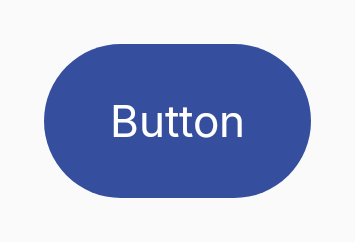
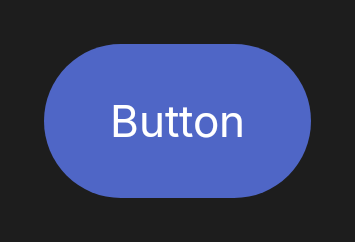
DhPrimaryButton(
    text = "Pill",
    onClick = {},
    shape = DhButton.Shape.Round,
)
Icons
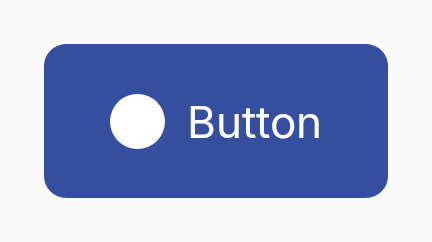
Pass a composable for the leading or trailing slot — the button enforces a consistent icon size per geometry tier.
DhPrimaryButton(
    text = "Add",
    onClick = { add() },
    startIcon = { DhIcon(DhIcons.Plus, null, decorative = true) },
)
Loading
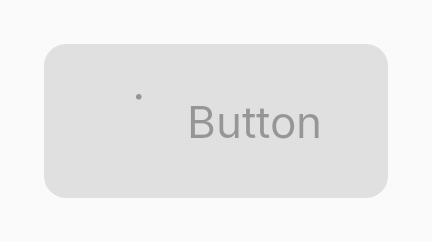
Replaces the leading icon with a spinner, hides the trailing icon, and blocks clicks. Announces progress via Compose semantics.
DhPrimaryButton(
    text = "Submit",
    onClick = { submit() },
    loading = isSubmitting,
)