DhTextField
Single-line or multi-line outlined text input. Password mode, error + supporting text, leading / trailing icons.
Basic
Outlined field. Caller hoists value state; the label rests in the field while it is empty.
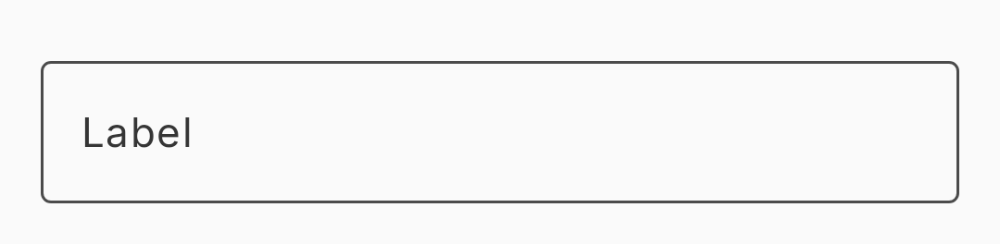
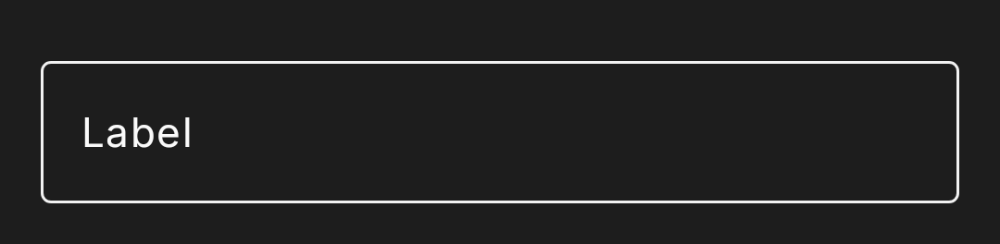
var name by remember { mutableStateOf("") }

DhTextField(
    value = name,
    onValueChange = { name = it },
    label = "Name"
)
Floating label
Once the field has content (or focus), the label floats up to the outline.
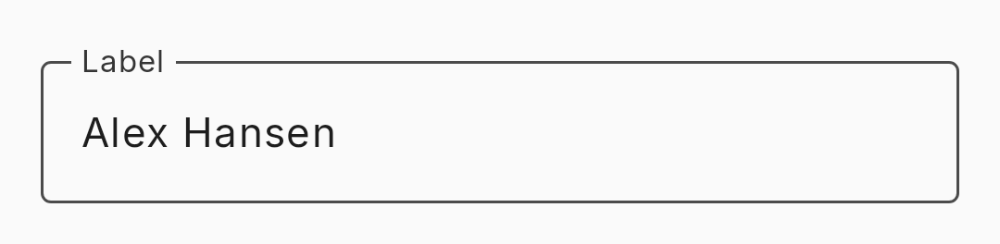
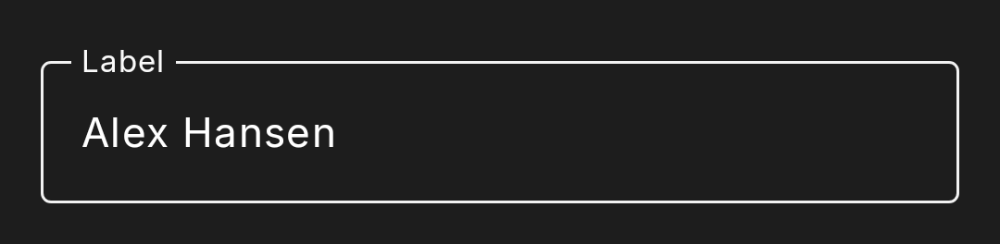
var name by remember { mutableStateOf("Alex Hansen") }

DhTextField(
    value = name,
    onValueChange = { name = it },
    label = "Name"
)
Placeholder
Placeholder text renders at 40% opacity. When the field has a label it shows only while focused and empty; shown here without a label.
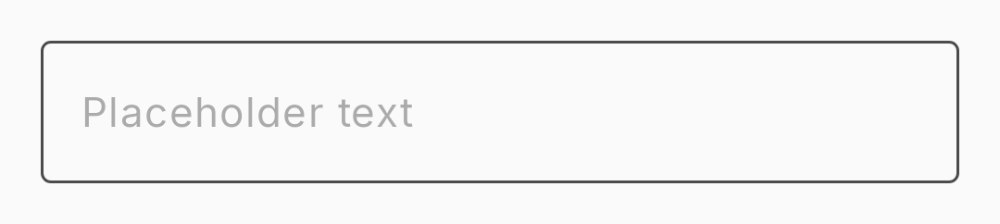

// Placeholder text renders at 40% opacity. With a label it
// shows only while the field is focused and empty.
DhTextField(
    value = "",
    onValueChange = {},
    placeholder = "Placeholder text"
)
Supporting text
Helper text below the field.
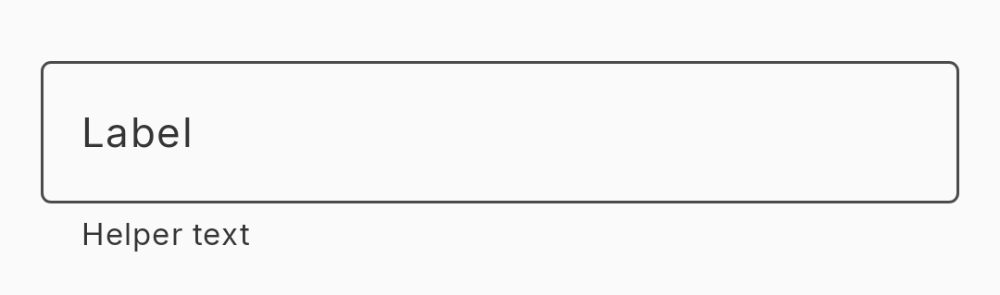
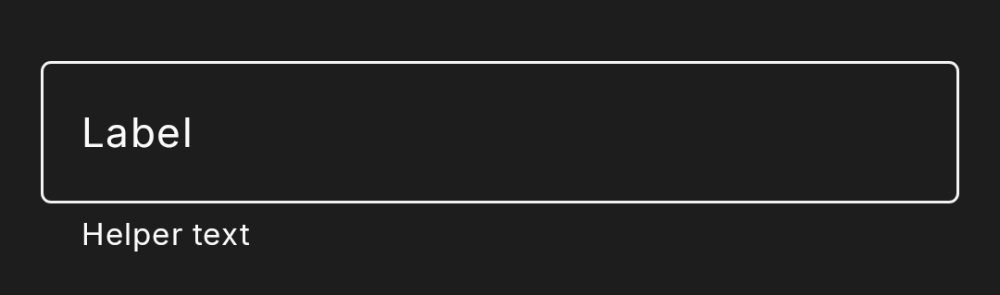
DhTextField(
    value = name,
    onValueChange = { name = it },
    label = "Name",
    supportingText = "Helper text"
)
Validation
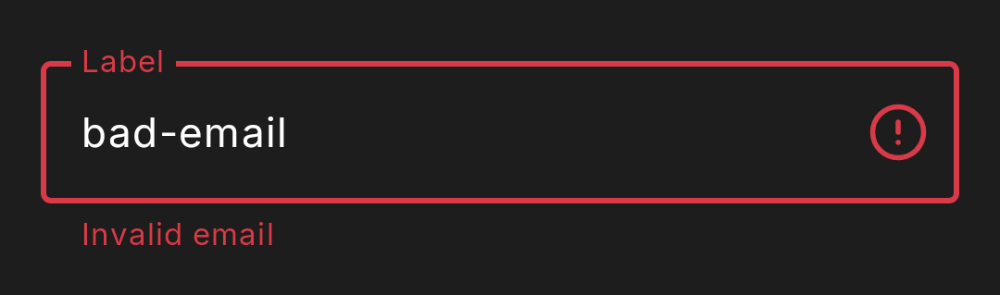
isError emphasizes the border, colors it with the label and supporting text, and adds a trailing error icon when nothing else occupies the trailing slot.
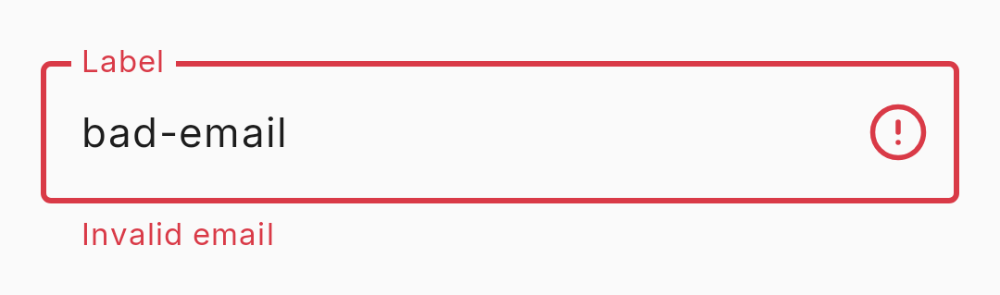
DhTextField(
    value = email,
    onValueChange = { email = it },
    label = "Email",
    isError = !isValidEmail(email),
    supportingText = if (!isValidEmail(email)) "Invalid email" else null,
    keyboardOptions = KeyboardOptions(keyboardType = KeyboardType.Email)
)
Success
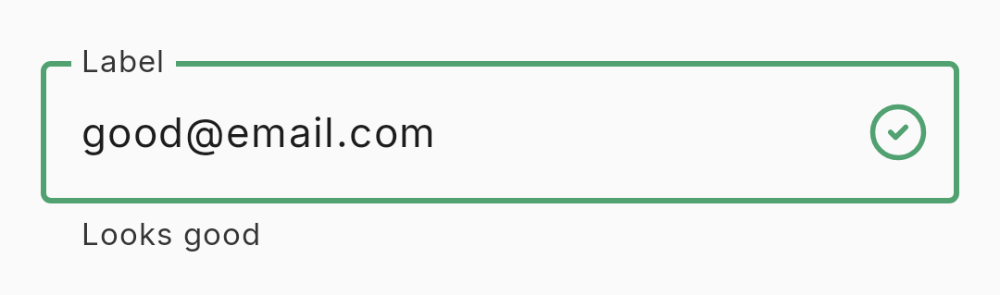
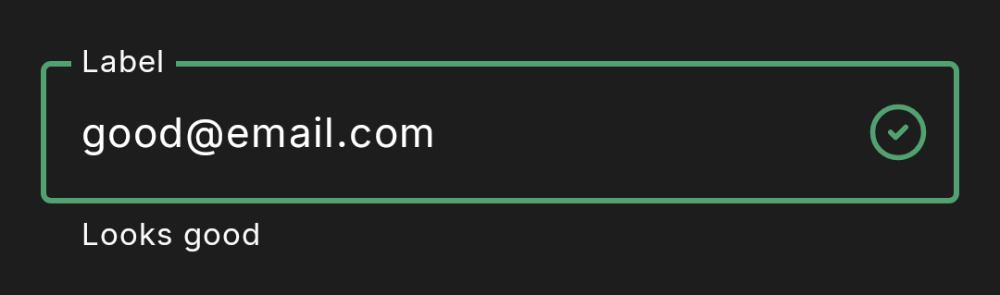
isSuccess draws the emphasized border in the success color and adds a trailing check icon when nothing else occupies the trailing slot. isError takes precedence.
DhTextField(
    value = email,
    onValueChange = { email = it },
    label = "Email",
    isSuccess = isValidEmail(email),
    supportingText = if (isValidEmail(email)) "Looks good" else null,
    keyboardOptions = KeyboardOptions(keyboardType = KeyboardType.Email)
)
Password
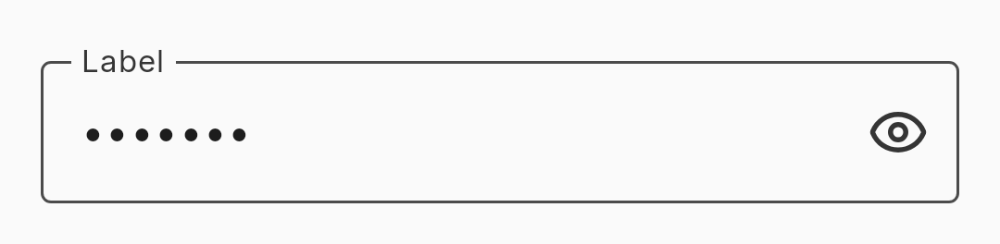
Masks input and adds a visibility toggle.
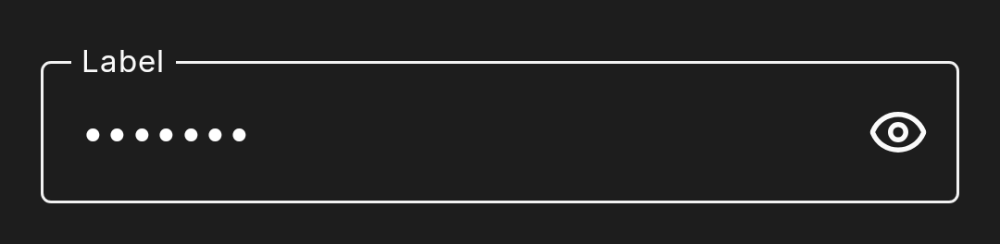
DhTextField(
    value = password,
    onValueChange = { password = it },
    label = "Password",
    isPassword = true
)
Password — hoisted visibility
passwordVisible / onPasswordVisibleChange lift the toggle state to the caller; null keeps it self-managed.
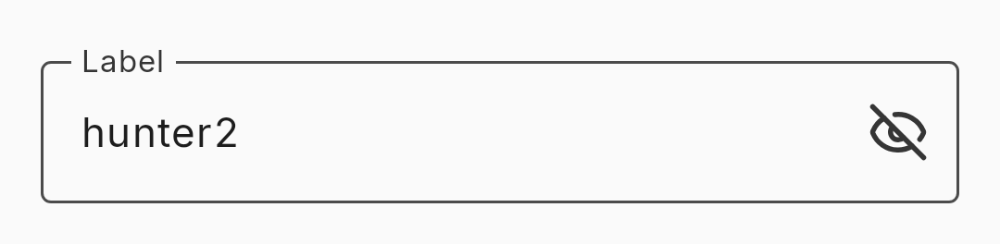
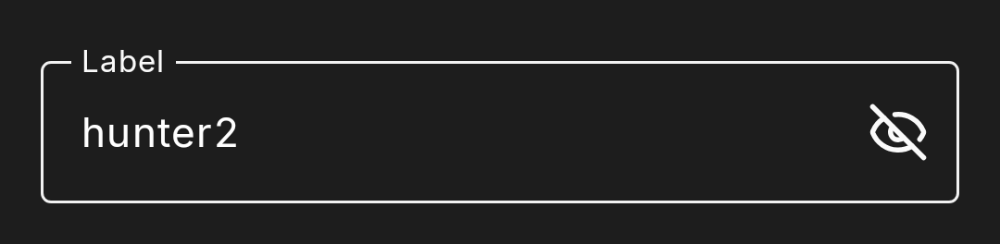
var revealed by remember { mutableStateOf(false) }

DhTextField(
    value = password,
    onValueChange = { password = it },
    label = "Password",
    isPassword = true,
    passwordVisible = revealed,
    onPasswordVisibleChange = { revealed = it }
)
Password + error
The visibility toggle keeps the trailing slot; the emphasized border and supporting text carry the error.
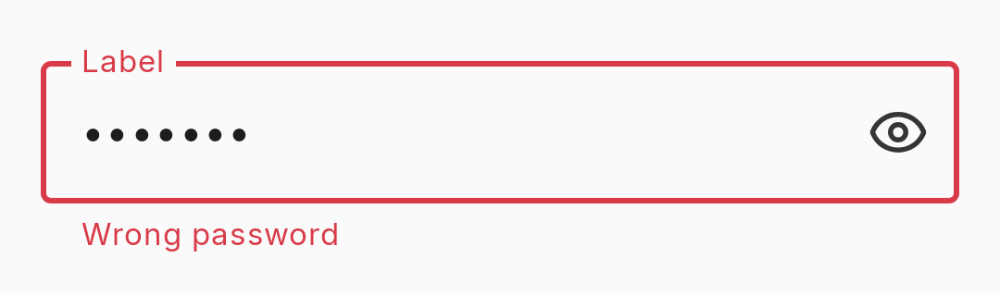
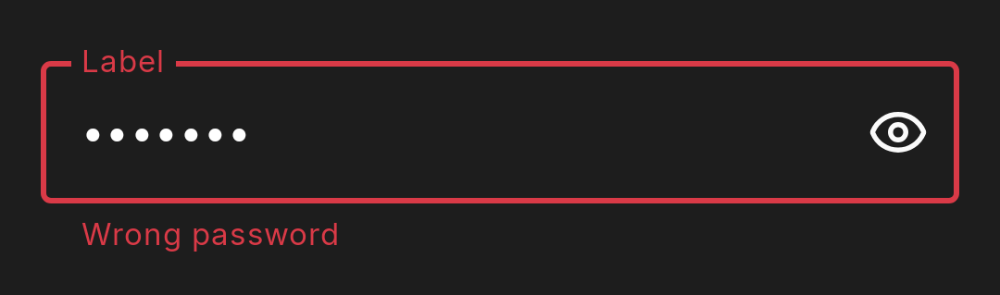
DhTextField(
    value = password,
    onValueChange = { password = it },
    label = "Password",
    isPassword = true,
    isError = true,
    supportingText = "Wrong password"
)
Icons
Consumer-supplied leading and trailing icons. A trailing icon suppresses the automatic error / check icon.
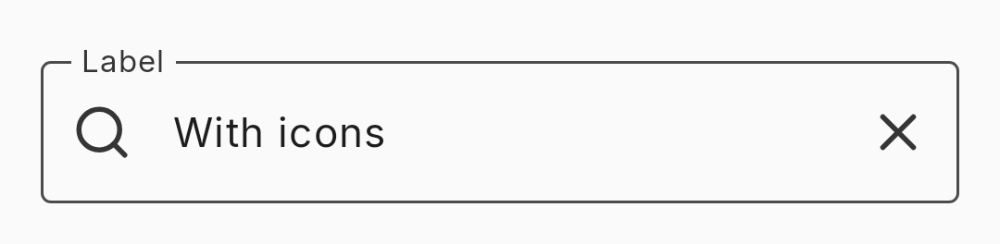
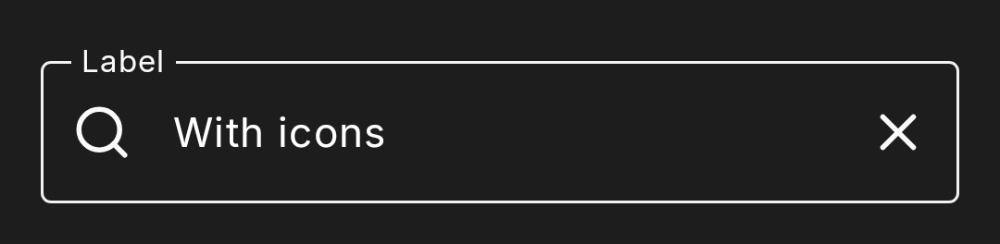
DhTextField(
    value = query,
    onValueChange = { query = it },
    label = "Search",
    leadingIcon = { DhIcon(DhIcons.Search, null, decorative = true) },
    trailingIcon = { DhIcon(DhIcons.Close, null, decorative = true) }
)
Disabled
enabled = false dims the outline, label, and text.
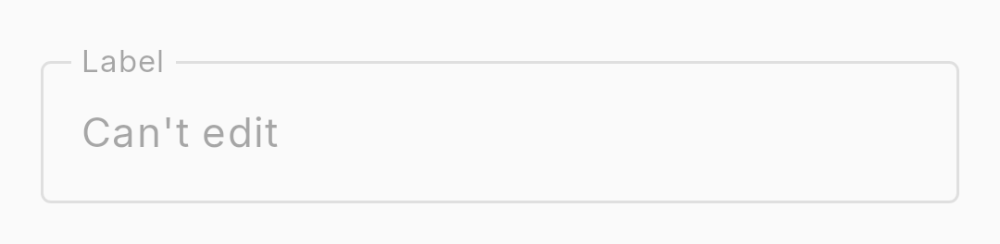
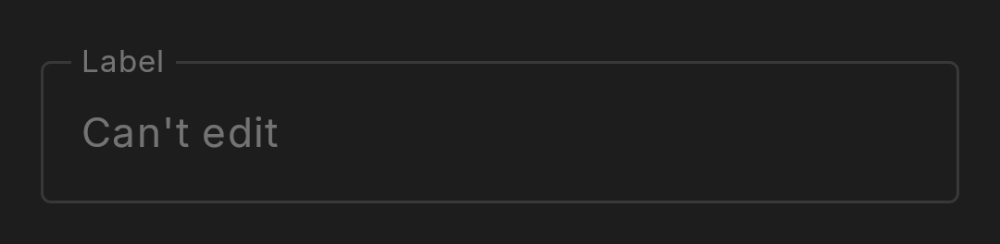
DhTextField(
    value = "Read only",
    onValueChange = {},
    label = "Disabled",
    enabled = false
)
Multi-line
singleLine = false plus minLines / maxLines.
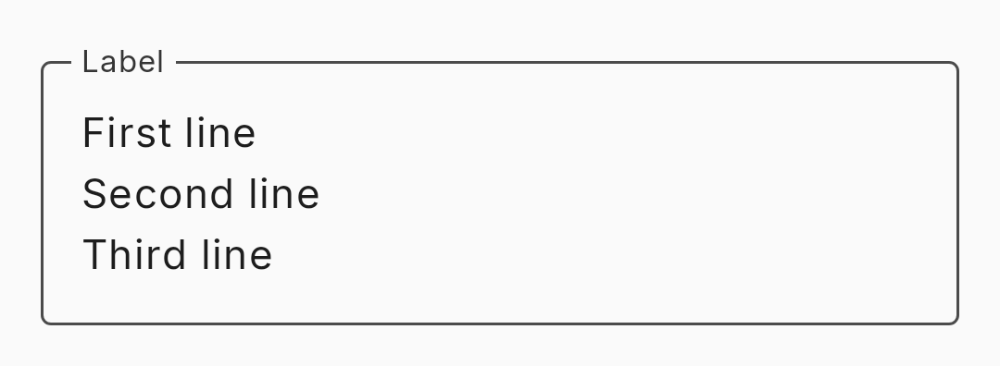
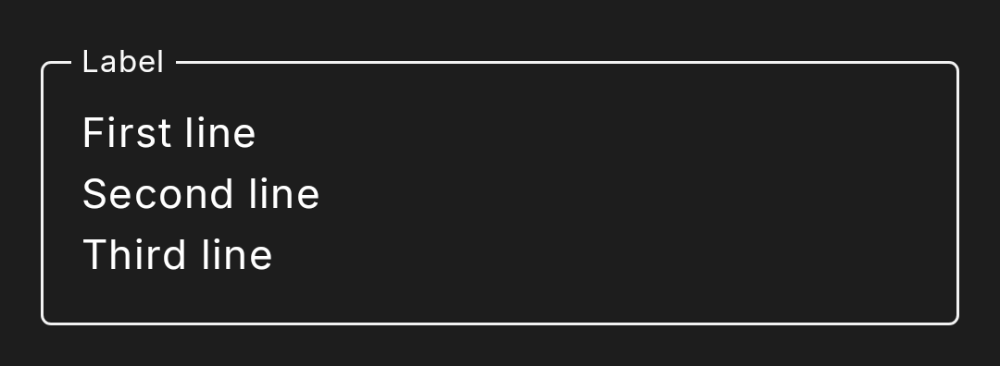
DhTextField(
    value = description,
    onValueChange = { description = it },
    label = "Description",
    singleLine = false,
    minLines = 3,
    maxLines = 6
)