DhNumberPad
Stateless 3×4 numeric keypad. Emits a digit per key tap plus a backspace event; owns no value, so the consumer drives PIN, OTP, phone, or amount entry. The bottom-left and bottom-right (backspace) cells are optional slots.
Default
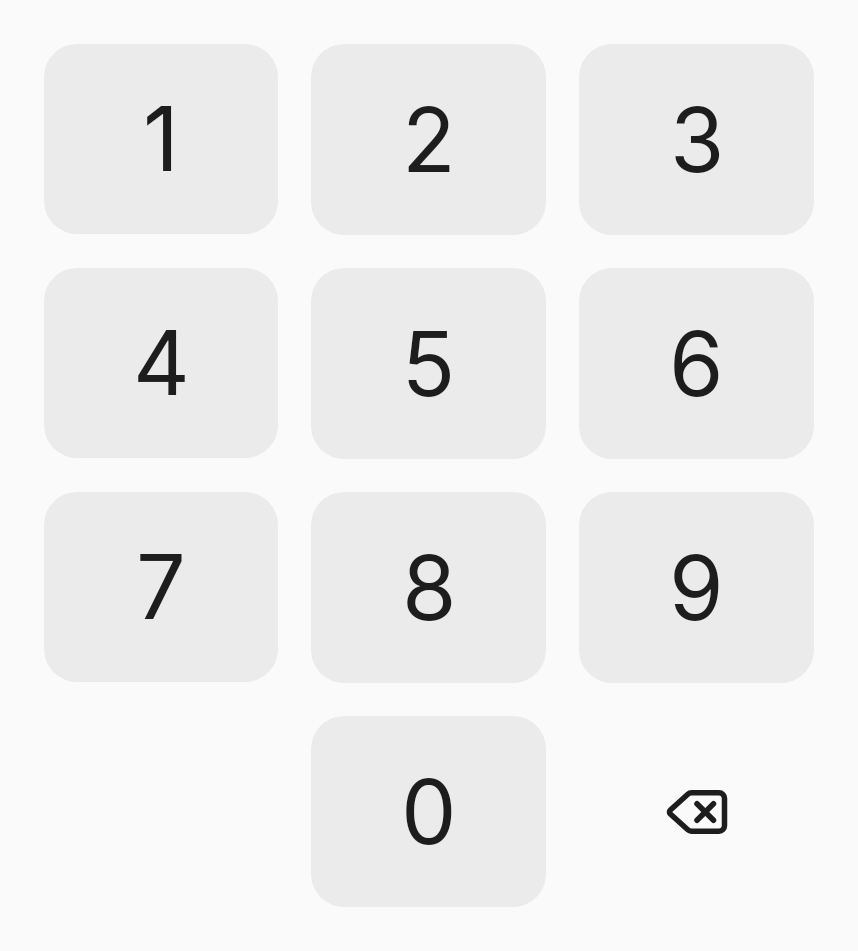
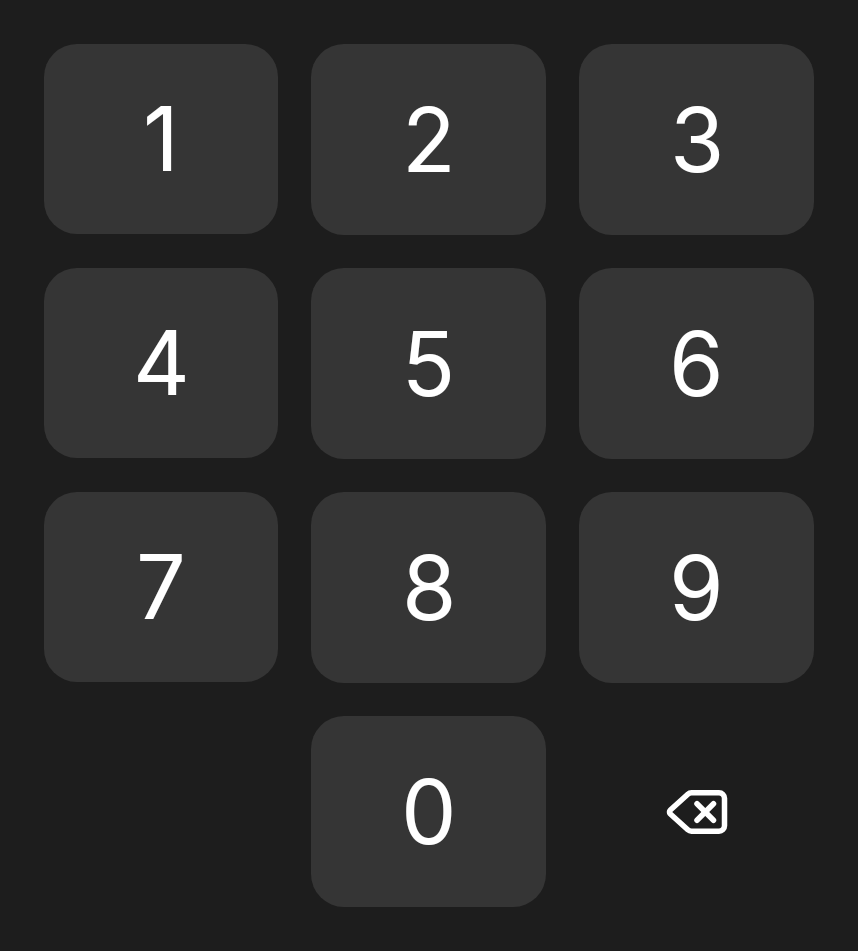
Digits 0–9 plus a backspace key. The pad owns no value — bind onDigit and onBackspace to your own state. Each key carries a content description for screen readers.
var pin by remember { mutableStateOf("") }

DhNumberPad(
    onDigit = { if (pin.length < 4) pin += it.toString() },
    onBackspace = { pin = pin.dropLast(1) }
)
Bottom-left slot
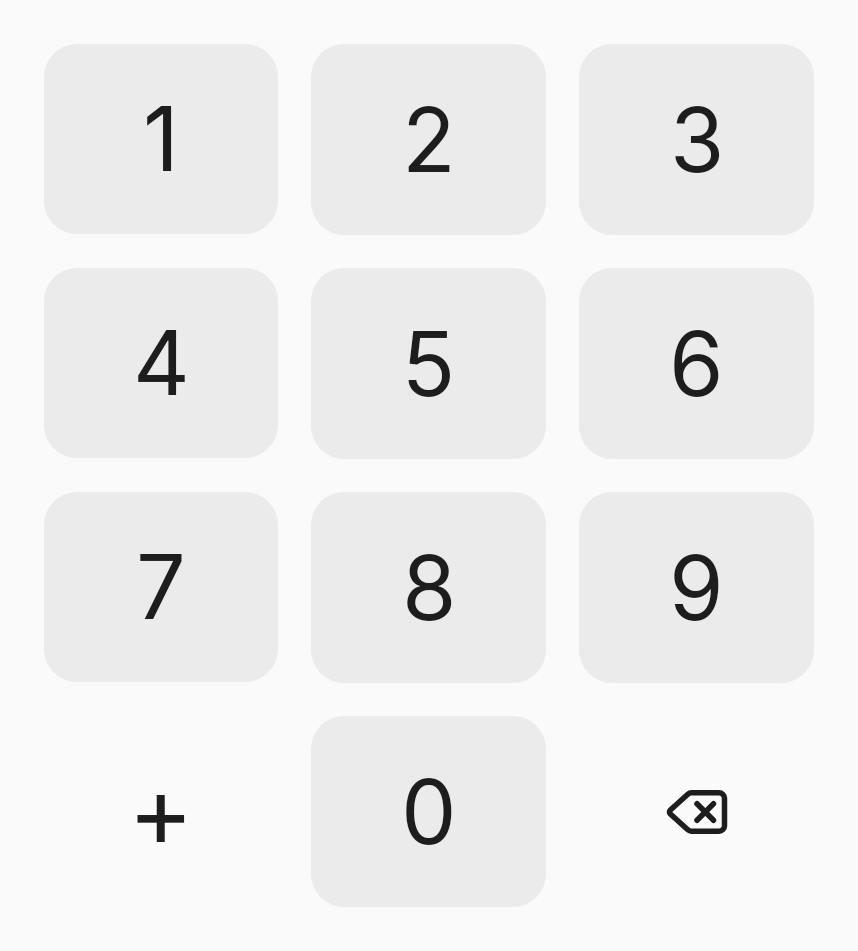
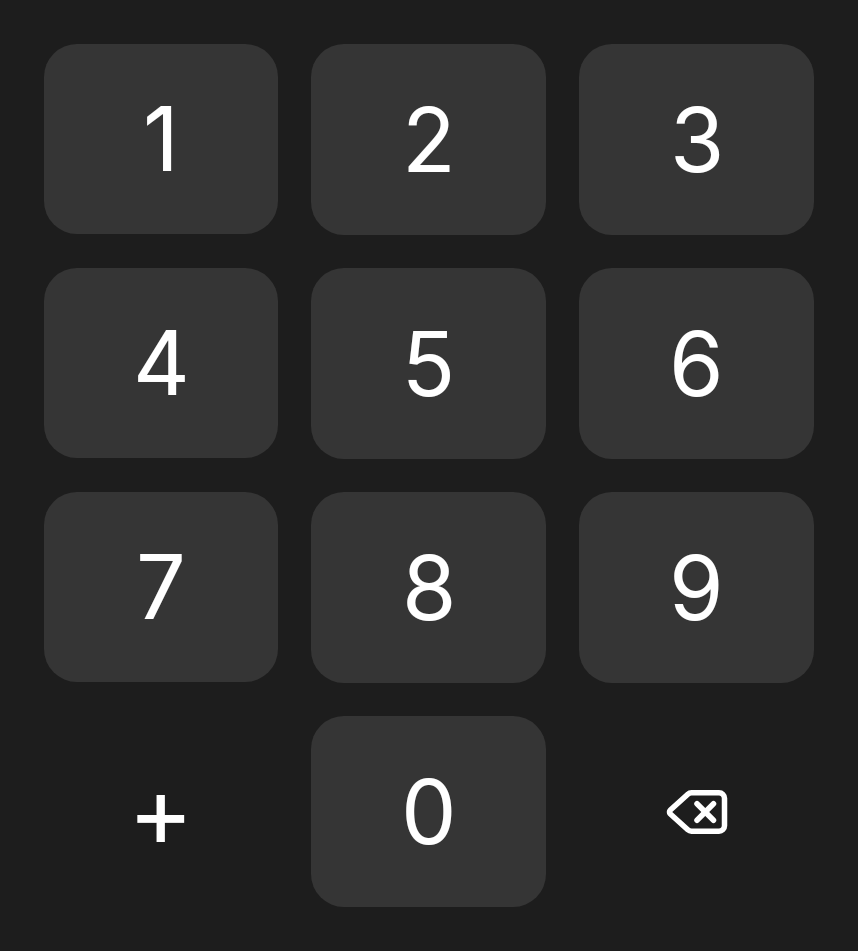
The bottom-left cell is empty by default. Pass bottomLeftSlot to fill it with a custom affordance — a decimal point, a “+” for phone entry, or a biometric icon. It renders without the digit-cell chrome and is interactive only if its content is.
var phone by remember { mutableStateOf("") }

DhNumberPad(
    onDigit = { phone += it.toString() },
    onBackspace = { phone = phone.dropLast(1) },
    bottomLeftSlot = {
        Text("+", style = MaterialTheme.typography.displaySmall,
            modifier = Modifier.clickable { if (phone.isEmpty()) phone = "+" })
    }
)
Bottom-right slot
The bottom-right cell is the backspace key by default. Pass bottomRightSlot to replace it — e.g. a submit or biometric key. When you do, onBackspace is no longer wired and the slot owns its own interaction.
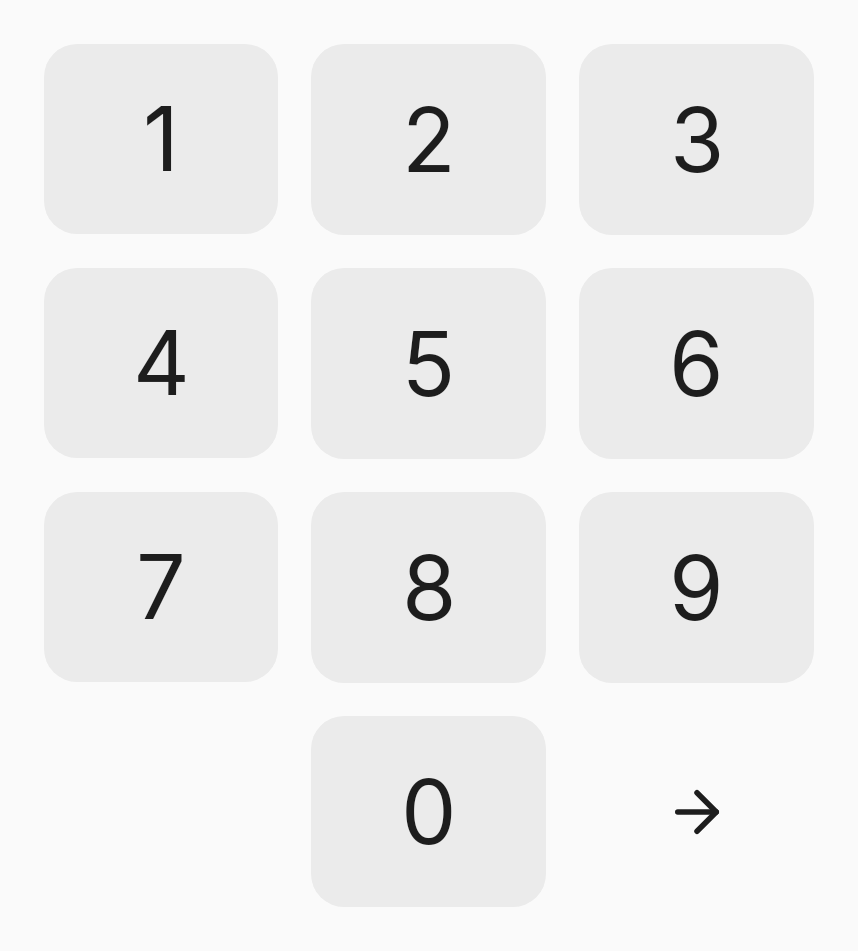
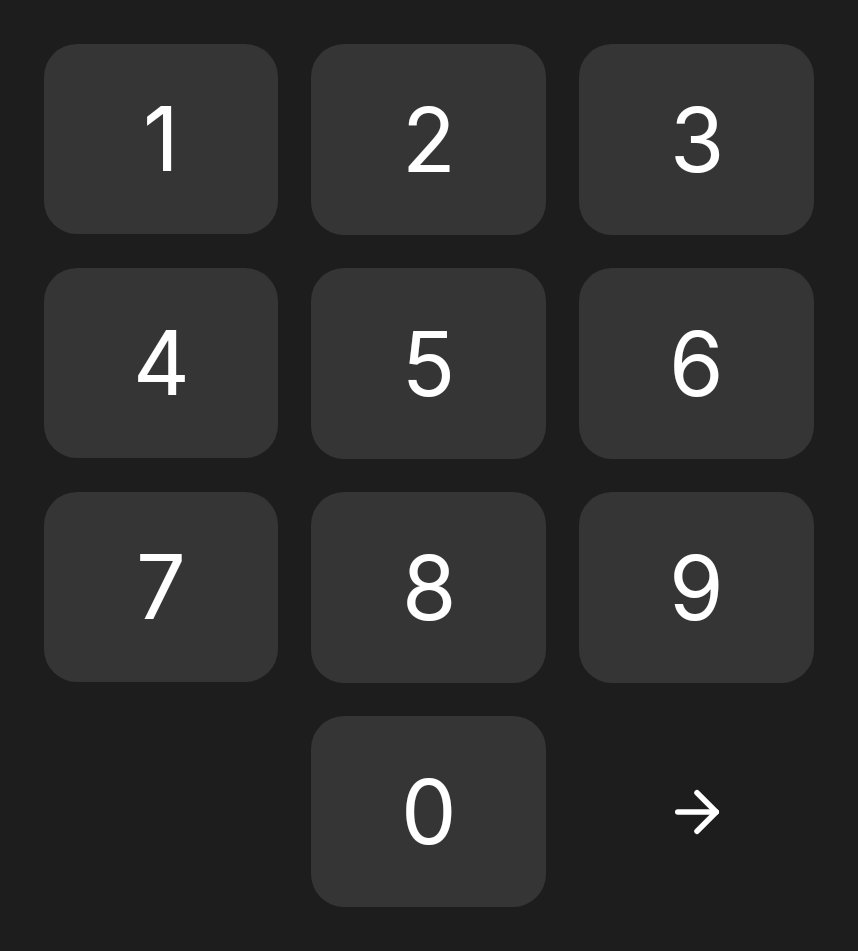
// Replace the backspace key with your own affordance.
DhNumberPad(
    onDigit = { /* ... */ },
    bottomRightSlot = {
        DhIcon(DhIcons.ArrowRight, contentDescription = "Submit",
            modifier = Modifier.clickable { submit() })
    }
)
Disabled
With enabled = false, taps emit nothing and the keys render in the disabled style.
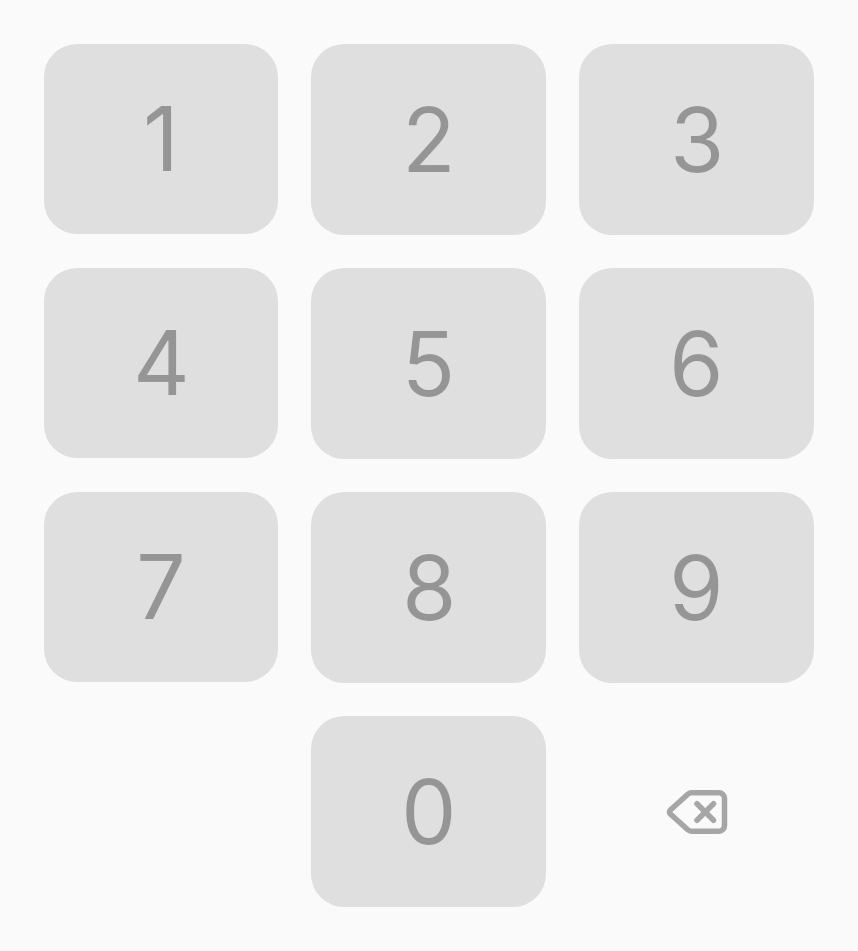
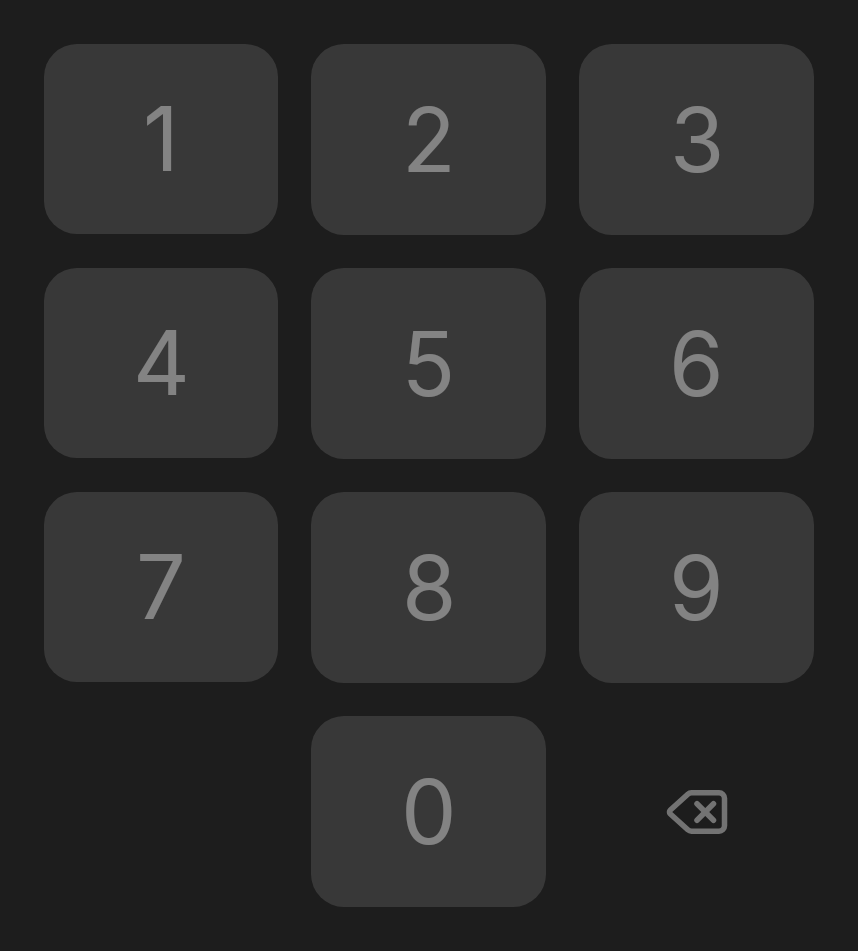
DhNumberPad(
    onDigit = {},
    onBackspace = {},
    enabled = false
)