DhSegmentedButton
Segmented control for choosing between a few options. Single-select slides a brand pill to the chosen segment; multi-select toggles segments independently. Styled via AppTheme tokens.
Single select
Pass a list of options plus the selected index. Exactly one segment is selected; the brand pill slides to it. Radio-group semantics.
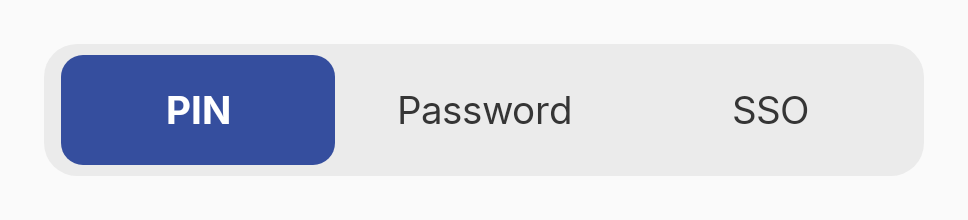
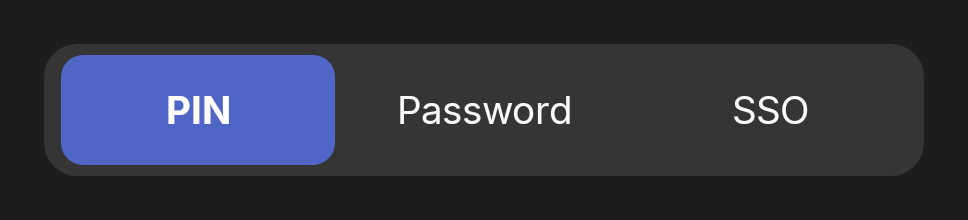
var method by remember { mutableStateOf(0) }

DhSingleChoiceSegmentedButtonRow(
    options = listOf(
        DhSegmentedButton.Item("PIN"),
        DhSegmentedButton.Item("Password"),
        DhSegmentedButton.Item("SSO")
    ),
    selectedIndex = method,
    onSelectionChange = { method = it }
)
With icons
Each Item can carry a leading icon, tinted to the segment's foreground colour.
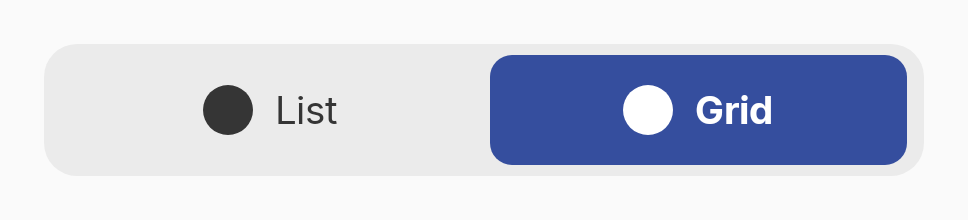
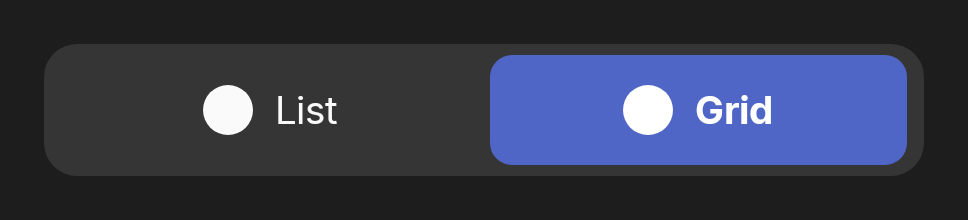
var view by remember { mutableStateOf(0) }

DhSingleChoiceSegmentedButtonRow(
    options = listOf(
        DhSegmentedButton.Item("List", icon = { DhIcon(DhIcons.Menu, null, decorative = true) }),
        DhSegmentedButton.Item("Grid", icon = { DhIcon(DhIcons.House, null, decorative = true) })
    ),
    selectedIndex = view,
    onSelectionChange = { view = it }
)
Multi select
Any number of segments can be selected at once; each toggles independently. Toggle-group (checkbox) semantics.
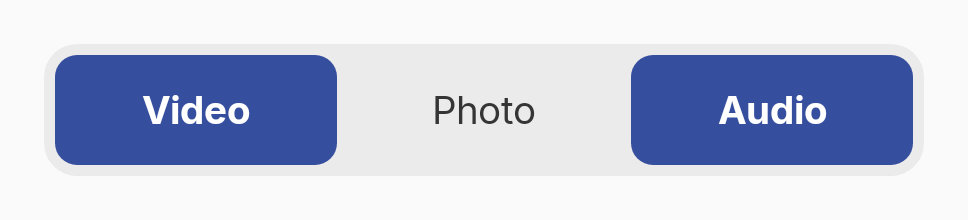
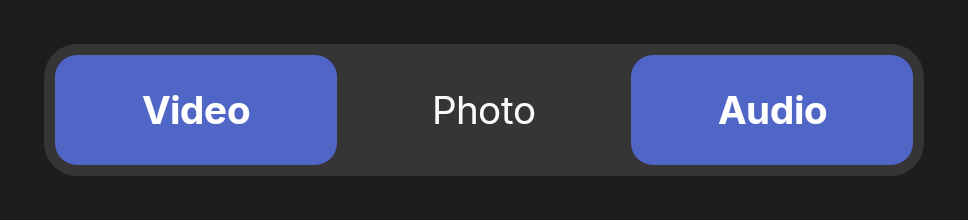
var selected by remember { mutableStateOf(setOf(0, 2)) }

DhMultiChoiceSegmentedButtonRow(
    options = listOf(
        DhSegmentedButton.Item("Video"),
        DhSegmentedButton.Item("Photo"),
        DhSegmentedButton.Item("Audio")
    ),
    selectedIndices = selected,
    onToggle = { index, checked ->
        selected = if (checked) selected + index else selected - index
    }
)
Variant
variant changes the selected fill colour role — Primary, Secondary, Tertiary, or Error.
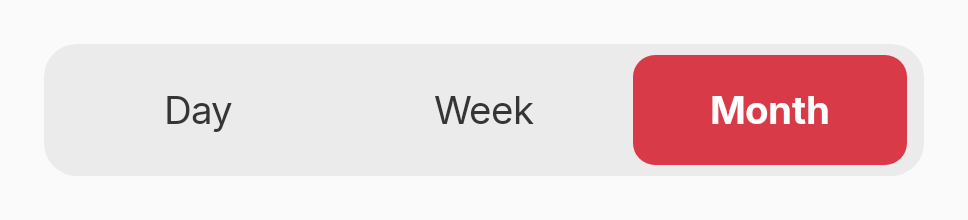
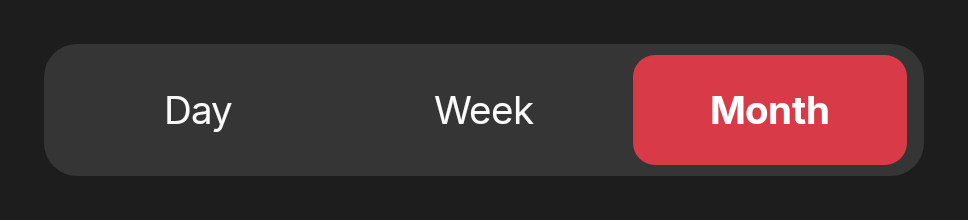
var range by remember { mutableStateOf(0) }

DhSingleChoiceSegmentedButtonRow(
    options = listOf(
        DhSegmentedButton.Item("Day"),
        DhSegmentedButton.Item("Week"),
        DhSegmentedButton.Item("Month")
    ),
    selectedIndex = range,
    onSelectionChange = { range = it },
    variant = DhSegmentedButton.Variant.Error
)
Slot API
The slot-based form mirrors Compose Material3's SegmentedButton row for fine-grained per-segment content. Apply Modifier.weight(1f) to each segment.
var align by remember { mutableStateOf(0) }

// Slot API — mirrors Material3's SegmentedButton row.
DhSingleChoiceSegmentedButtonRow {
    listOf("Left", "Center", "Right").forEachIndexed { index, label ->
        DhSegmentedButton(
            selected = align == index,
            onClick = { align = index },
            modifier = Modifier.weight(1f)
        ) { Text(label) }
    }
}